forked from HEL/rivet-typst
 dromell
ab3ccfccea
dromell
ab3ccfccea
Descriptions and values are drawn as a single line that never wraps.
Because a diagram is scaled to fit the width it is rendered into, the
longest label is what decides that scale: one long description makes the
whole diagram -- bit cells, indices and every other label with it --
shrink until that line fits. A register whose fields carry a sentence
each is then unreadable at any page width, and since each diagram is
measured on its own, a document full of them renders every one at a
different size.

Setting description-width wraps labels at that width instead, so the
length of a description no longer decides how large the diagram is
drawn. Values wrap at the same right edge as the description they belong
to, and the option composes with left-labels, force-descs-on-side and
ltr-bits.

Wrapping means a label is no longer one line tall, so labels can no
longer be spaced by a fixed line height. Each is now offset by the
height it actually occupies, measured before it is placed, which is why
render gained a context block.

The option defaults to none, which keeps the single-line behaviour on
the original code paths. With it unset every diagram in the gallery
renders byte-identical to before.
rivet-typst
RIVET (Register / Instruction Visualizer & Explainer Tool) is a Typst package for visualizing binary instructions or describing the contents of a register, using the CeTZ package.
It is based on the homonymous Python script
Examples
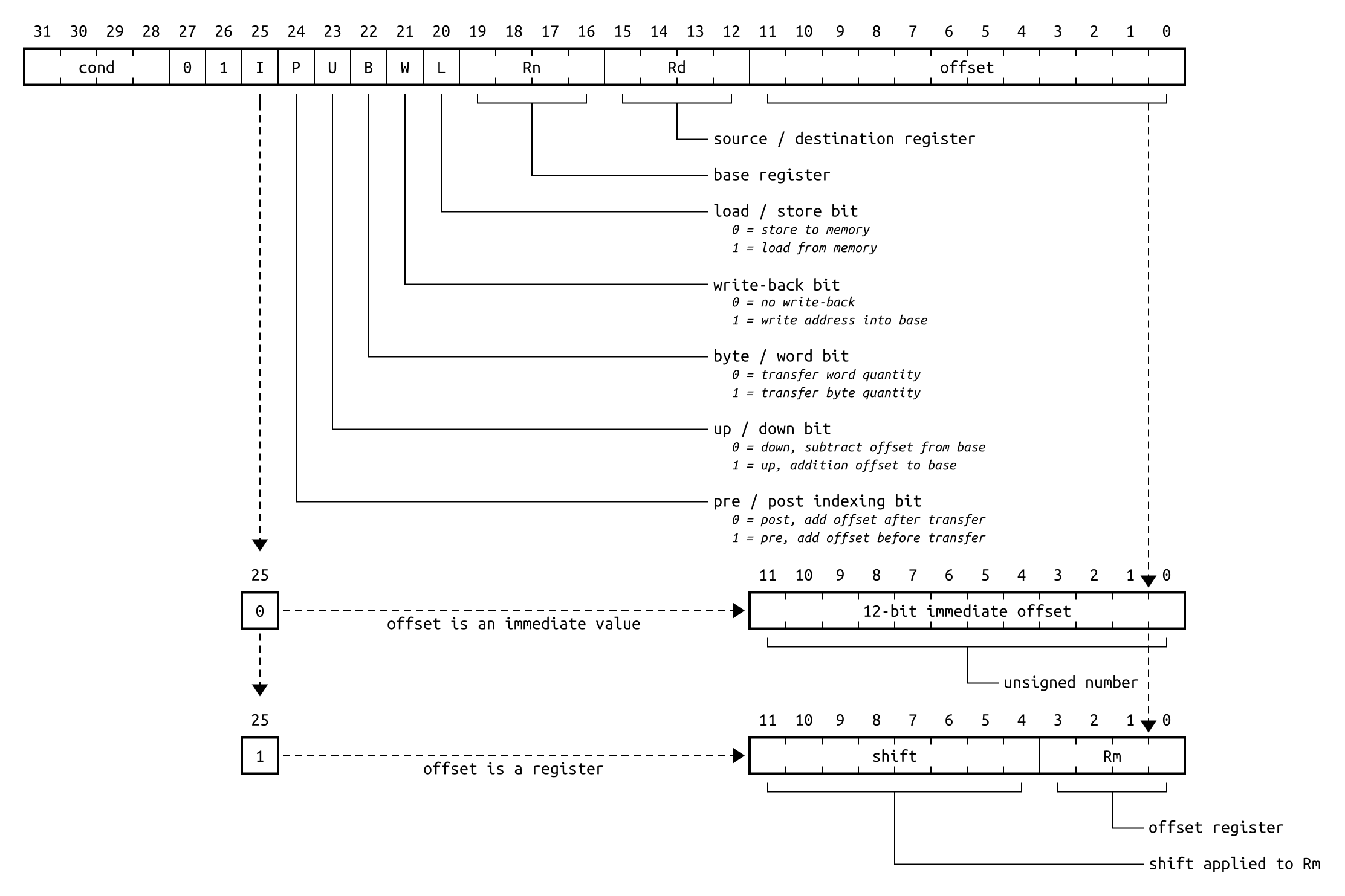
|
| A bit of eveything |
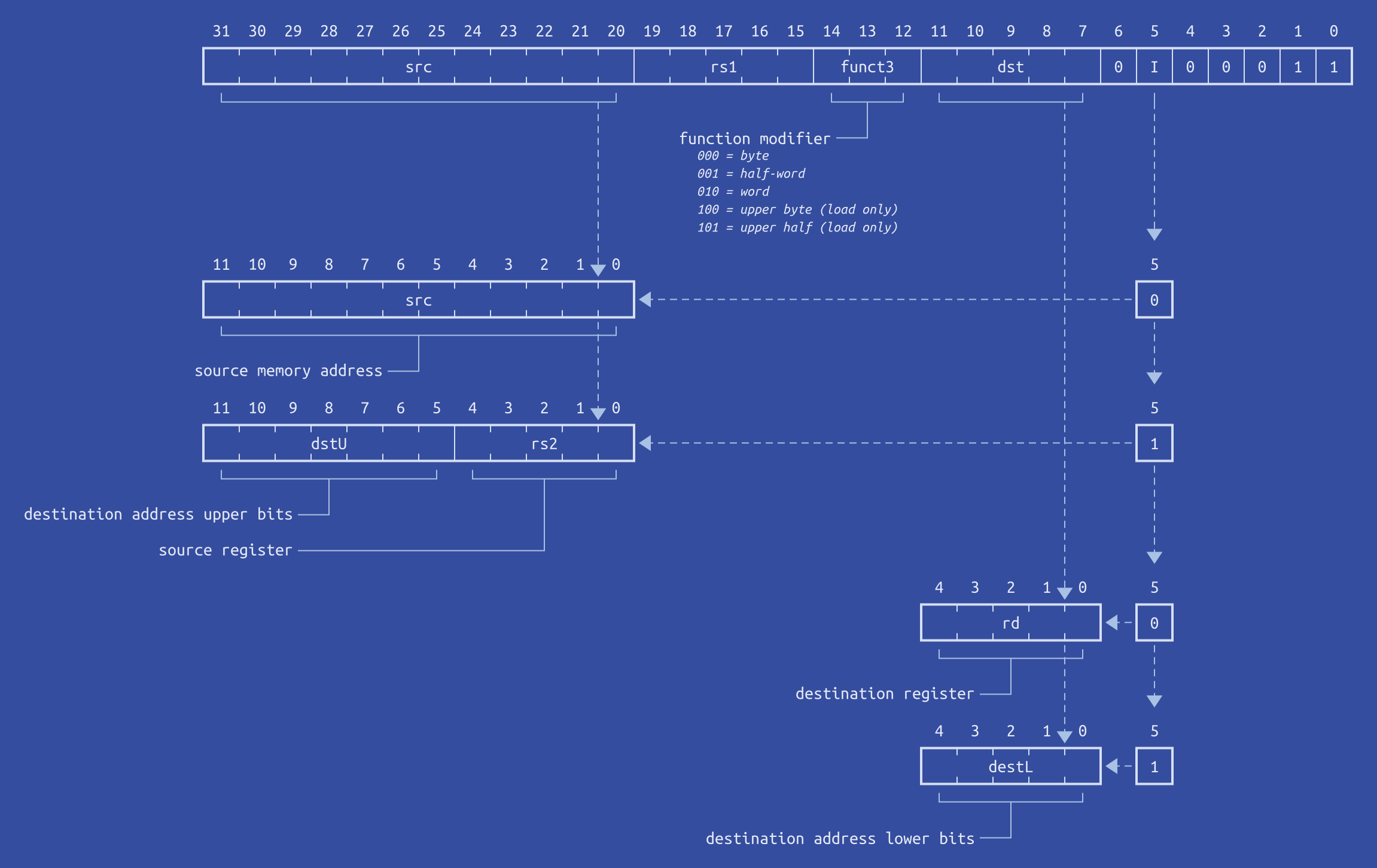
|
| RISC-V memory instructions (blueprint) |
Click on the example image to jump to the code.
Usage
For more information, see the manual
To use this package, simply import schema from rivet and call schema.load to parse a schema description. Then use schema.render to render it, et voilà !
#import "@preview/rivet:0.3.1": schema
#let doc = schema.load(yaml("path/to/schema.yaml"))
#schema.render(doc)